

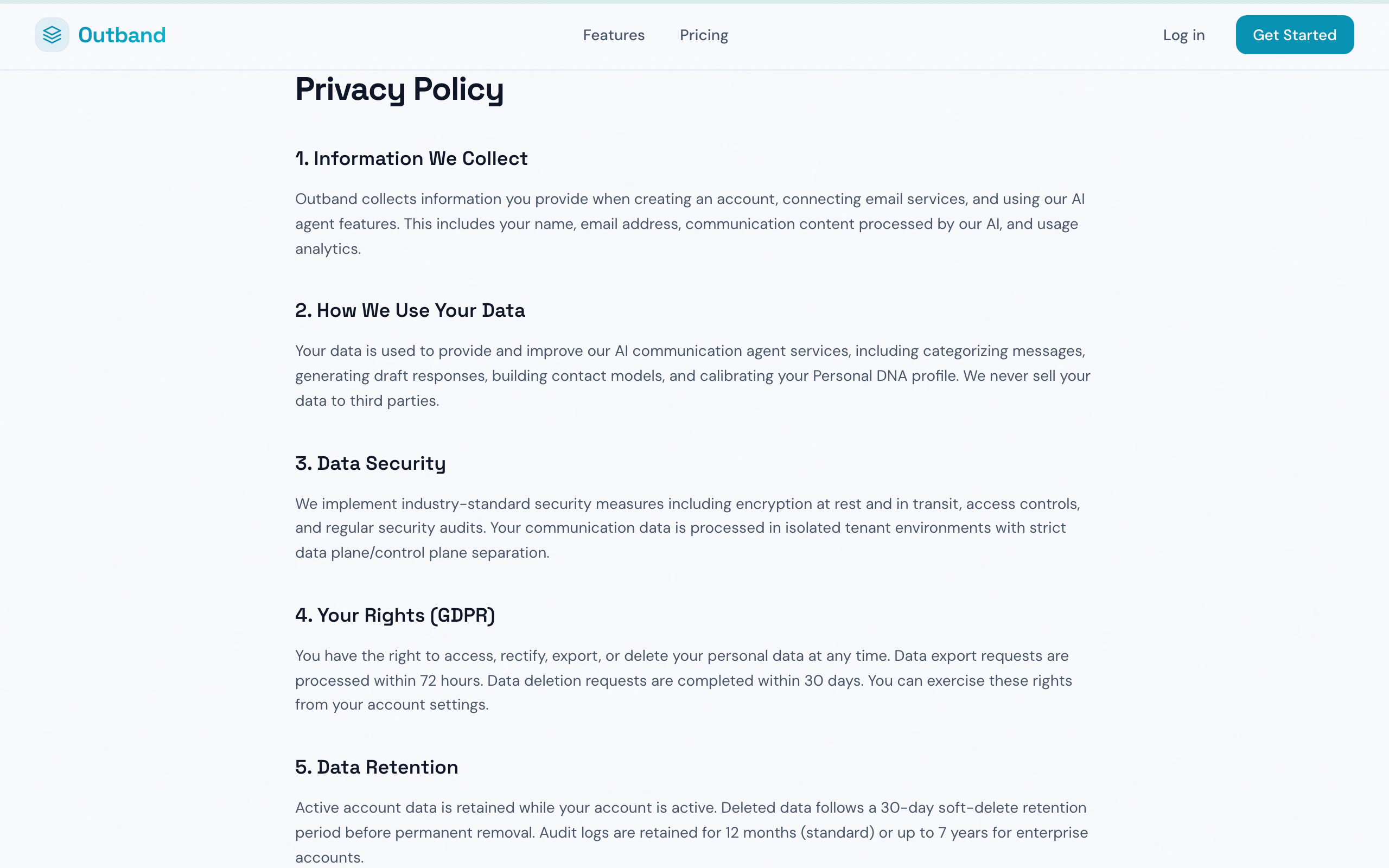
Outband's privacy policy page
Your Data, Your Rules
Outband follows a clear principle: your data belongs to you. This means:- You can export all your data at any time, in open formats (Markdown, CSV, JSON)
- There are no export fees, no rate limits, and no degraded formats
- You can delete your data at any time with permanent erasure after a 30-day grace period
- Your data is never sold, shared, or used to train models for other users
How Outband Accesses Your Data
Outband connects to your communication channels through standard OAuth protocols:- Your passwords are never stored — Outband uses OAuth tokens issued by Google, Microsoft, Slack, etc.
- You can revoke access at any time from your Google/Microsoft account settings or from Outband’s Connected Accounts page
- Read access only — Outband reads your messages to analyze them. It only sends messages when you explicitly approve (in Drafter mode) or when you have enabled Auto+Review/Full Delegation.
Security Architecture
Outband uses a Data/Control Plane Separation architecture:
This architecture means that even if someone sends you a malicious email trying to trick the AI (prompt injection), it cannot work — email content is never treated as instructions to the AI.
Encryption
- In transit: All data is encrypted with TLS 1.3
- At rest: All stored data is encrypted with AES-256
- Enterprise: Per-tenant encryption keys are available on the Enterprise plan
Data Retention
- Active data: Stored as long as your account is active
- Deleted items: Moved to trash with a 30-day recovery window
- After 30 days: Permanently and irreversibly deleted
- Account deletion: All data permanently erased within 30 days of account deletion request
PII Detection
Outband automatically detects personally identifiable information (PII) in your messages at the point of ingestion. PII is tagged and handled according to your data policies and applicable regulations.Contact Model Privacy
Contact Models are built for the people you communicate with, including people who are not Outband users:- Outband users: Their Contact Model is built from mutual communication, enriched by their own data
- Non-Outband users: Models are built under legitimate interest with no PII stored in model weights
- Data subject rights: Any person can request to see what data Outband holds about them (DSAR) or request deletion
- No cross-user data sharing: Your Contact Model data is never shared with the contact themselves or with other Outband users (except in Team plans with explicit consent)
Compliance
Outband complies with major data protection regulations:Data Export
You can export your data at any time from Settings > Data Export:- Full export — All messages, Contact Models, Canvases, and settings
- Selective export — Choose specific data types or date ranges
- Formats — Markdown (human-readable), CSV (spreadsheet), JSON (machine-readable)
Data Residency
Enterprise customers can choose where their data is stored:- US (default)
- EU
- APAC
Audit Trail
Every action Outband takes on your behalf is logged:- What action was taken
- Why (the AI’s reasoning)
- What trust level authorized it
- Whether you overrode the AI’s decision
- Timestamp and context
Deleting Your Account
To delete your Outband account:- Go to Settings > Security & Sessions
- Select Delete Account
- Confirm the deletion
- Your data enters a 30-day grace period during which you can change your mind
- After 30 days, all data is permanently deleted
Related
Trust Levels
How trust levels control what Outband can do.
Settings
Manage your data and privacy settings.